
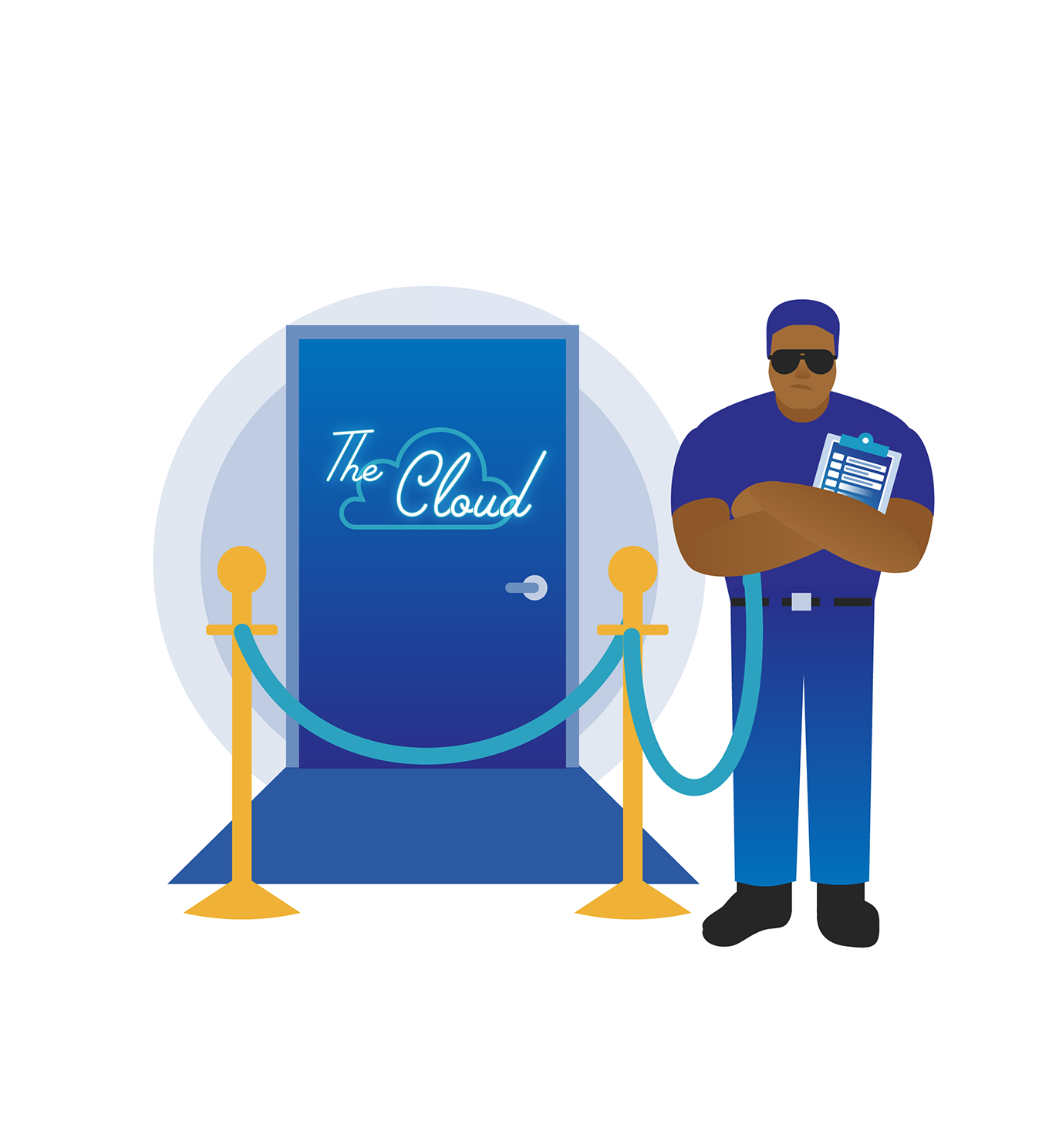
Cloud Access Management: A Practical Guide
Cloud access management is the process of controlling who can access an organisation’s cloud services, what they can do and under what conditions. It covers the people, policies and technologies used to manage identities and permissions across platforms such as cloud infrastructure, software-as-a-service applications and online data stores.
As organisations adopt more cloud services, access can become difficult to oversee. Employees, contractors, suppliers and applications may all need different levels of access. A well-designed access management approach helps reduce the risk of unauthorised activity while allowing people to do their jobs efficiently.
Why cloud access management matters
Cloud services make it easy to create accounts, assign permissions and connect applications. That flexibility is useful, but it can also lead to excessive or outdated access. For example, a former employee’s account might remain active, or a user may retain administrative privileges after changing roles.
Poorly managed access can increase the likelihood and impact of account compromise, accidental data exposure and misuse of privileges. It can also make it harder to demonstrate that access is controlled appropriately. Effective management helps organisations protect sensitive information, support business continuity and meet their security and compliance obligations.
Key components
Identity management
Identity management is about establishing and maintaining digital identities for users and services. Each identity should be linked to an accountable person or business purpose. Organisations should use a consistent process to create, update and remove identities as people join, change roles or leave.
Authentication
Authentication verifies that a user is who they claim to be. Passwords alone may not provide sufficient protection, particularly if they are reused or exposed. Multi-factor authentication (MFA) adds another verification step, such as an authenticator app or security key. MFA should be enabled for administrators and other high-risk accounts, and ideally required for all users.
Authorisation and permissions
Authorisation determines what an authenticated identity is allowed to access. Permissions should be based on job responsibilities and limited to what is needed. This is known as the principle of least privilege. Roles can make permissions easier to manage, but they should be reviewed to ensure they do not grant broader access than intended.
Privileged access
Administrative accounts can make significant changes to cloud environments, so they need extra safeguards. Use separate accounts for routine work and administration, restrict the number of privileged users, and monitor sensitive actions. Where available, just-in-time access can provide elevated permissions only for a limited period when they are required.
Monitoring and audit trails
Access logs can help teams understand who accessed a service, when access occurred and what actions were taken. Centralised monitoring makes it easier to investigate unusual activity across multiple cloud platforms. Logs should be protected from unauthorised changes and retained in line with the organisation’s operational and legal requirements.
Common challenges
- Access sprawl: Users accumulate permissions across services over time, making it difficult to see who has access to what.
- Unused accounts: Accounts belonging to former staff, temporary workers or retired applications may remain enabled.
- Inconsistent policies: Different cloud providers and business units may use different access rules and processes.
- Over-reliance on manual processes: Manual provisioning and reviews can be slow and prone to errors.
- Non-human identities: Applications, scripts and services also need credentials and permissions, which can be overlooked.
Best practices for managing cloud access
- Use a central identity approach. Where practical, connect cloud services to a trusted identity provider and use single sign-on (SSO). Centralisation can make account management and policy enforcement more consistent.
- Apply least privilege. Grant the minimum access required for each task. Avoid assigning broad administrative roles for convenience.
- Require MFA. Prioritise administrators, remote access and accounts that can access sensitive data. Use phishing-resistant methods where they are available and suitable.
- Automate joiner, mover and leaver processes. Connect access changes to staff and contractor lifecycle processes so that permissions are updated promptly when responsibilities change.
- Review permissions regularly. Ask managers and system owners to confirm that access remains necessary. Pay particular attention to privileged, external and dormant accounts.
- Manage service identities securely. Give applications only the permissions they need, protect their credentials and rotate secrets according to policy. Avoid hard-coding credentials into source code.
- Monitor unusual activity. Use alerts and audit logs to identify unexpected sign-ins, changes to permissions or other activity that may need investigation.
- Document ownership and exceptions. Make clear who approves access and how temporary or exceptional permissions are authorised and removed.
Cloud access management and shared responsibility
Cloud providers secure the underlying services and infrastructure according to their responsibilities, while customers remain responsible for many aspects of how those services are configured and used. The exact division depends on the service. Organisations should understand their provider’s security model and take responsibility for user identities, permissions, authentication settings and data access within their environment.
Building an effective approach
Cloud access management works best as an ongoing process rather than a one-off configuration task. Start by identifying cloud services, accounts and sensitive resources. Establish clear policies for authentication, permissions and approvals, then automate routine tasks where possible. Regular reviews and monitoring can help reveal gaps as the organisation’s people, applications and services change.
With clear ownership, strong authentication, carefully limited permissions and effective oversight, organisations can make cloud access more secure without creating unnecessary barriers for users. A consistent approach helps protect cloud resources while supporting the flexibility that makes cloud services valuable.
Cloud Access Management: Nine Frequently Asked Questions
- What is cloud access management?
- Why is cloud access management important?
- How does cloud access management work?
- What is the difference between authentication and authorisation?
- How does multi-factor authentication improve cloud security?
- What does the principle of least privilege mean?
- How often should cloud access permissions be reviewed?
- How can organisations manage access for employees, contractors and applications?
- What are the best practices for securing privileged cloud accounts?
What is cloud access management?
Cloud access management is the process of controlling who can access an organisation’s cloud services, data and resources, and what they are permitted to do. It includes managing user identities, verifying users through authentication, assigning appropriate permissions and reviewing access over time. Good cloud access management helps protect sensitive information, reduce the risk of unauthorised access and ensure that people and applications have only the access they need.
Why is cloud access management important?
Cloud access management is important because it helps ensure that only the right people and services can access an organisation’s cloud resources, and only with the permissions they need. By controlling accounts, enforcing strong authentication and reviewing access regularly, organisations can reduce the risk of data breaches, unauthorised changes and lingering access when someone changes role or leaves. It also improves visibility of cloud activity and can help organisations meet security and compliance requirements.
How does cloud access management work?
Cloud access management works by verifying users’ identities and controlling what they can access in cloud services. Organisations set policies that determine how people sign in, which applications and data they can use, and what actions they are permitted to take. These policies may include multi-factor authentication, role-based permissions and the principle of least privilege, which limits access to what each user needs for their work. Access is updated when people join, change roles or leave, while activity logs and regular reviews help identify unusual behaviour and remove unnecessary permissions.
What is the difference between authentication and authorisation?
Authentication verifies a user’s identity — in other words, it confirms who they are, often using a password, a security key or multi-factor authentication. Authorisation determines what that authenticated user is allowed to access or do, such as viewing a particular file or managing a cloud service. In short, authentication answers “Who are you?” while authorisation answers “What are you permitted to do?”
How does multi-factor authentication improve cloud security?
Multi-factor authentication (MFA) improves cloud security by requiring users to verify their identity with more than just a password. For example, they may also need to approve a sign-in through an authenticator app or use a security key. This makes it harder for an attacker to access a cloud account with a stolen or guessed password alone. MFA is especially important for administrator accounts and access to sensitive data, and phishing-resistant methods should be used where available.
What does the principle of least privilege mean?
The principle of least privilege means giving each user, application or service only the access needed to carry out its specific tasks, and no more. For example, a staff member who only needs to view files should not have permission to edit or delete them. Applying this principle can limit the damage caused by mistakes, compromised accounts or unauthorised activity. Access should also be reviewed regularly and removed when it is no longer required.
How often should cloud access permissions be reviewed?
Cloud access permissions should be reviewed regularly, with the frequency based on the sensitivity of the data, the level of access and your organisation’s risk. As a general guide, review standard permissions at least quarterly and check privileged or high-risk access more frequently, such as monthly. Permissions should also be reassessed whenever someone changes role, leaves the organisation, or when a cloud service or project changes. Regular reviews help identify unnecessary, outdated or excessive access before it becomes a security risk.
How can organisations manage access for employees, contractors and applications?
Organisations can manage access by giving each employee, contractor and application a clearly defined identity, then granting only the permissions needed for its role or purpose. Use a central identity provider and single sign-on where possible, with multi-factor authentication for users and secure, managed credentials for applications. Automate access changes when people join, change roles or leave, and set expiry dates for temporary contractor access. Regularly review permissions, remove unused accounts and monitor activity, particularly for privileged access, so that access remains appropriate over time.
What are the best practices for securing privileged cloud accounts?
The best way to secure privileged cloud accounts is to limit their number and apply the principle of least privilege, granting elevated access only when it is needed and, where possible, for a set period. Require multi-factor authentication—preferably phishing-resistant methods—and use separate accounts for administrative tasks and everyday work. Protect credentials in a secure vault, avoid sharing accounts, and monitor privileged activity with alerts and audit logs. Regularly review permissions, remove access promptly when roles change or people leave, and test recovery procedures so administrators can respond safely if an account is compromised.